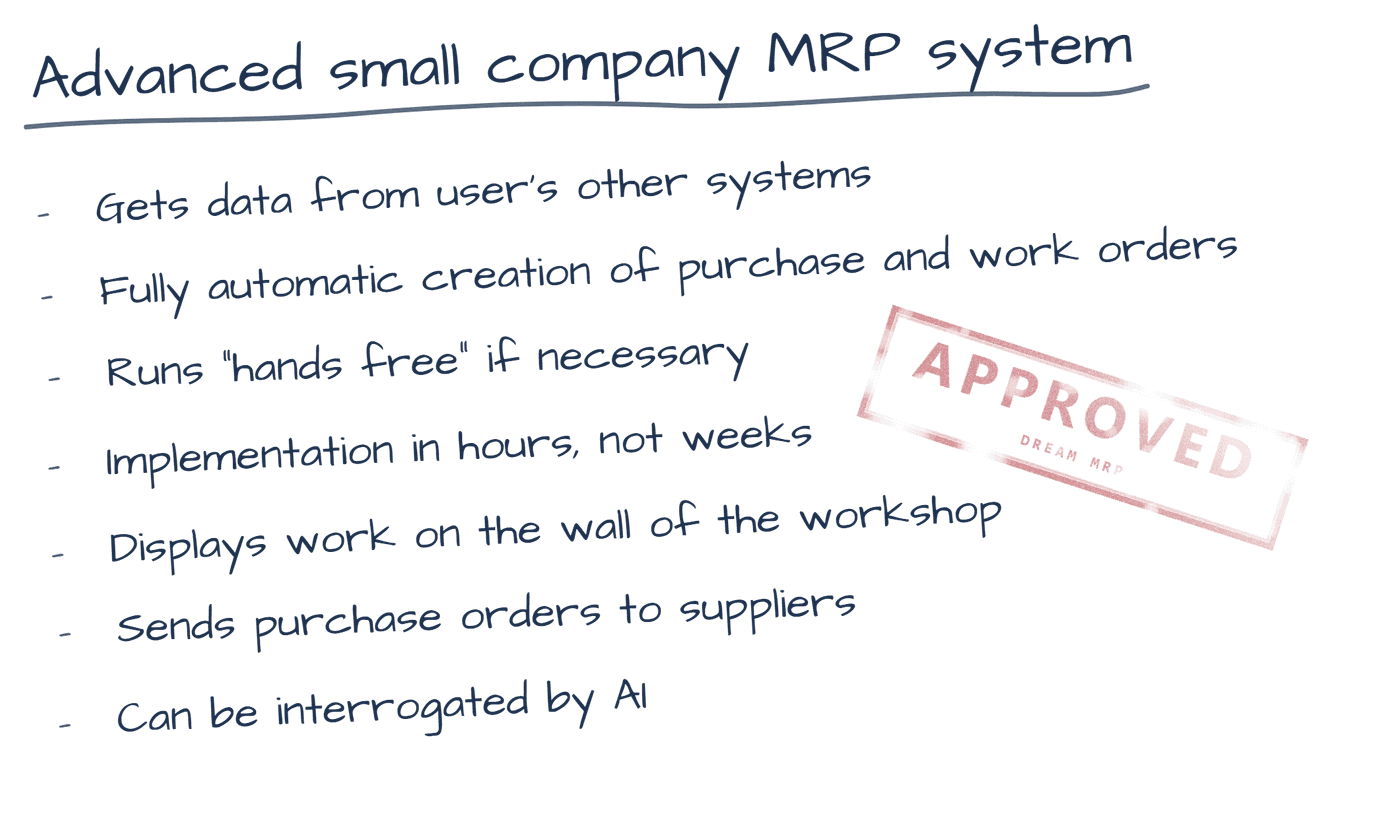
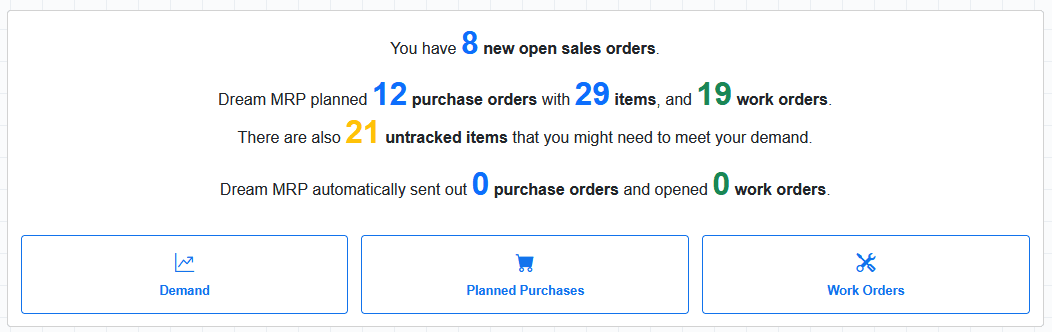
Your Shopify orders become your demand plan. Dream MRP reads your store's open orders and calculates exactly what to manufacture and purchase to fulfil them — automatically.
For e-commerce manufacturers and resellers, Shopify is where demand lives. Dream MRP connects to your store and treats every open Shopify order as a demand signal — translating customer orders into a precise material requirements plan.
Open orders from your Shopify store flow into Dream MRP as demand. Each order line becomes a requirement to plan against.
Your Shopify products and variants map to your inventory items and Bills of Materials, so Dream MRP knows what to make for each order.
Dream MRP compares your Shopify demand against current stock levels and calculates exactly what you're short on — component by component.
Planned purchase orders and work orders are created to cover every shortfall. Review and approve — then fulfil your Shopify orders on time.
Most manufacturers use Shopify for sales and Xero or QuickBooks for accounting. Dream MRP sits in the middle — pulling demand from Shopify, pulling stock and supplier data from your accounting system, and creating a unified manufacturing and procurement plan.
This means you get a single, accurate picture of what you need to buy and make — whether the demand comes from your Shopify store, your accounting system, or both.
Before Dream MRP can sync a product, it needs to be able to identify and track it unambiguously. Two settings in Shopify make that possible — and both must be in place for a variant to be included in your MRP plan.
Each product variant must have Inventory tracked enabled in Shopify. This tells Dream MRP that Shopify is the authoritative source of stock on hand for that variant. Untracked variants are skipped.
Each variant must have an SKU (Stock Keeping Unit) set. Dream MRP uses the SKU as the match key to link a Shopify product to the corresponding item in your MRP plan and in Xero or QuickBooks.
Variants missing either an SKU or inventory tracking are ignored during sync. They will not appear in your item list, will not consume demand, and will not generate purchase or work orders.
When Shopify is connected, it becomes the authoritative source of stock on hand. You don't need — and should not rely on — Xero or QuickBooks to track the same inventory quantities.
For any product you sell through Shopify, we recommend setting the corresponding item in Xero or QuickBooks as non-tracked (i.e. not a tracked inventory item). Dream MRP will ignore Xero and QuickBooks stock levels for those items and take on-hand quantities exclusively from Shopify.
Keeping Shopify items as non-tracked in Xero or QuickBooks prevents double-counting stock and avoids conflicts where two systems disagree on quantity. Dream MRP will always use Shopify as the source of truth for on-hand stock for any SKU it finds in your Shopify store.
The full Shopify integration goes beyond syncing orders. Dream MRP will sync your Shopify locations directly — so your warehouses, fulfilment centres, and pop-up stores all become first-class locations inside your MRP plan.
Each location carries its own safety stock floor (minimum stock level), so your MRP engine knows exactly how much buffer to maintain at each warehouse before triggering a purchase or work order.
Your Shopify fulfilment locations sync directly to Dream MRP. Stock on hand at each warehouse feeds the same MRP calculation — no manual mapping required.
Set a minimum stock level for each location independently. Warehouse A might need 50 units on hand; your secondary fulfilment centre only needs 10. The MRP engine respects every floor.
Each Shopify order brings a customer. Dream MRP creates ephemeral contacts for B2C buyers so demand is traceable — without polluting your Xero contact list with thousands of one-off customers.
Connect more than one Shopify store to a single Dream MRP account. Demand from all stores is consolidated into one unified manufacturing plan across all your locations.
When Shopify pushes inventory level updates, Dream MRP records exactly what's on hand at each location. What it never touches is your minimum stock level — that's yours to configure. A Shopify sync cannot overwrite the safety stock floor you've set, and an overnight Xero sync cannot overwrite the per-location value you configured via the item config upload.
Each data source owns its lane. Shopify owns quantity on hand. Dream MRP owns the planning parameters. That separation is what keeps your MRP plan stable even as orders, stock movements, and supplier updates flow in from multiple systems simultaneously.
Minimum stock levels are stored per location in Dream MRP — not inside Shopify or Xero. Set them once via item configuration or CSV upload, and every MRP run respects them regardless of which provider triggered the sync.
14-day free trial · No credit card · No lock-in
Get started free View pricing →14-day free trial · No credit card · No lock-in
Get started free View pricing →