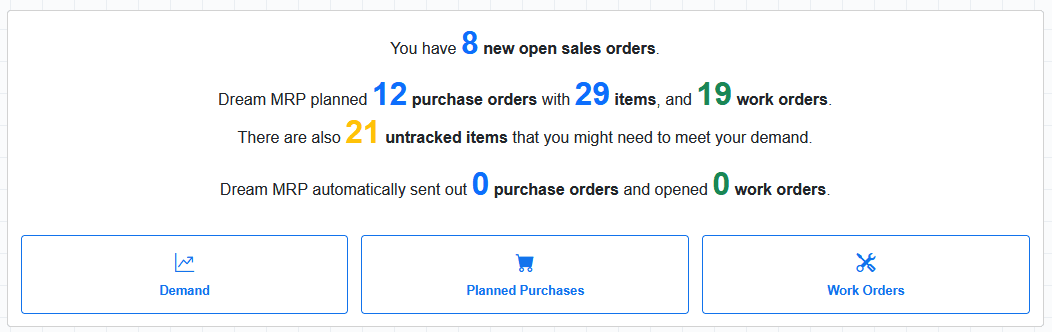
Connect your QuickBooks Online account and Dream MRP immediately starts planning your material requirements from your live inventory and sales data.
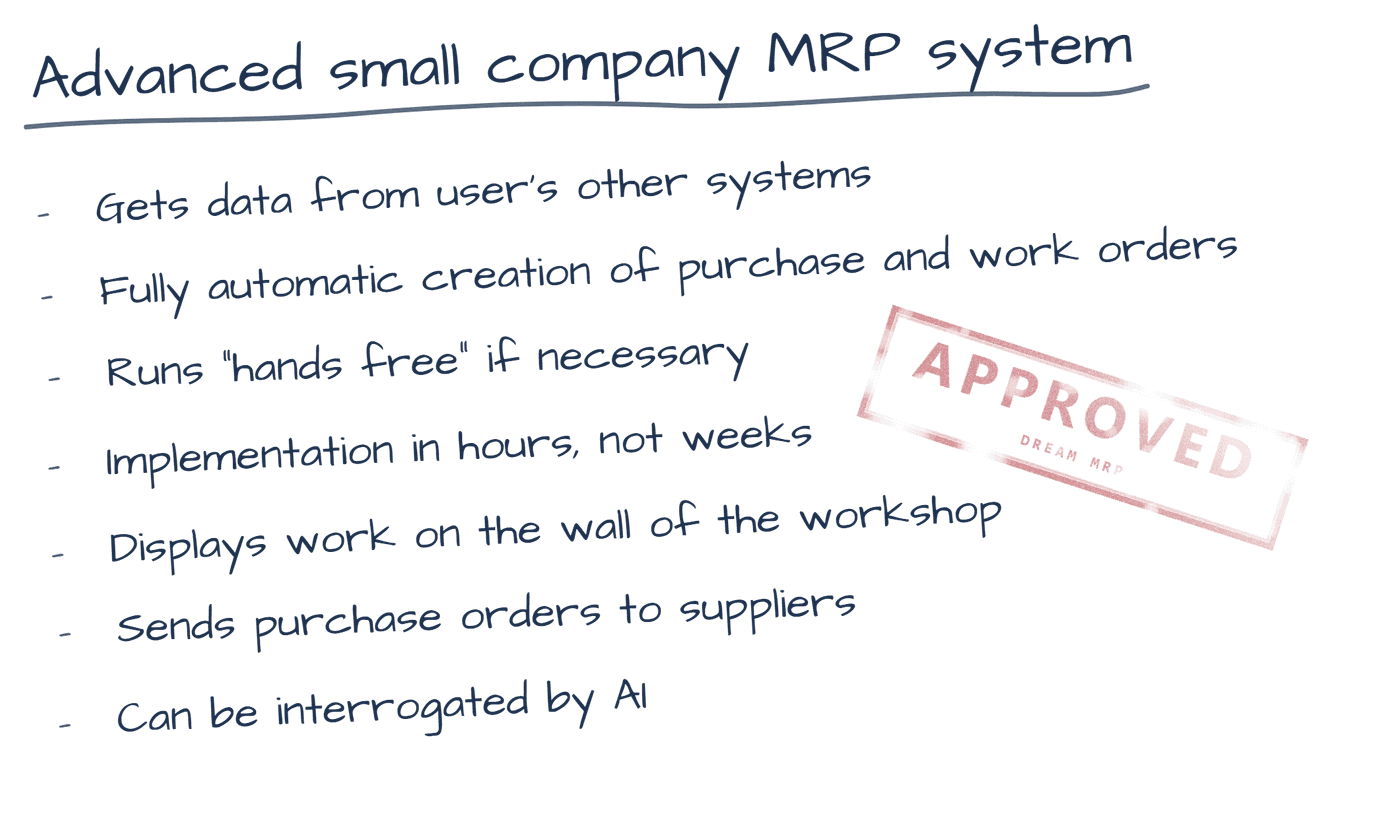
Dream MRP connects to QuickBooks Online via Intuit's official API. Your items, inventory levels, and sales data flow in automatically — giving Dream MRP everything it needs to calculate what to buy and what to make.
Your QuickBooks items and inventory levels sync into Dream MRP. Stock on hand is always up to date.
Open sales orders and estimates from QuickBooks Online become the demand signal that drives your material requirements calculation.
Vendors from QuickBooks are available as suppliers in Dream MRP — ready to be assigned to planned purchase orders.
Purchase orders and work orders are managed within Dream MRP. Direct posting back to QuickBooks is on the roadmap.
The QuickBooks integration is fully functional for reading data and running MRP calculations. Some write-back features are currently in development.
| Feature | Status |
|---|---|
| Items sync from QuickBooks | Live |
| Sales data drives MRP | Live |
| Purchase orders in Dream MRP | Live |
| Work orders in Dream MRP | Live |
| Post POs back to QuickBooks | Coming soon |
| Stock adjustment sync | Coming soon |
QuickBooks is your accounting backbone — Dream MRP adds the manufacturing layer. Bills of Materials, multi-level assemblies, work order tracking, and planned purchase orders all work regardless of which accounting system you use.
You can also connect Shopify alongside QuickBooks to bring in e-commerce demand alongside your accounting data.
Dream MRP includes No Risk Read-Only mode — explore all your MRP calculations before Dream MRP creates a single order. Connect today, see your results immediately, go live when you're ready.
14-day free trial · No credit card · Full Premium features
Sign up with QuickBooks Read the setup guide →