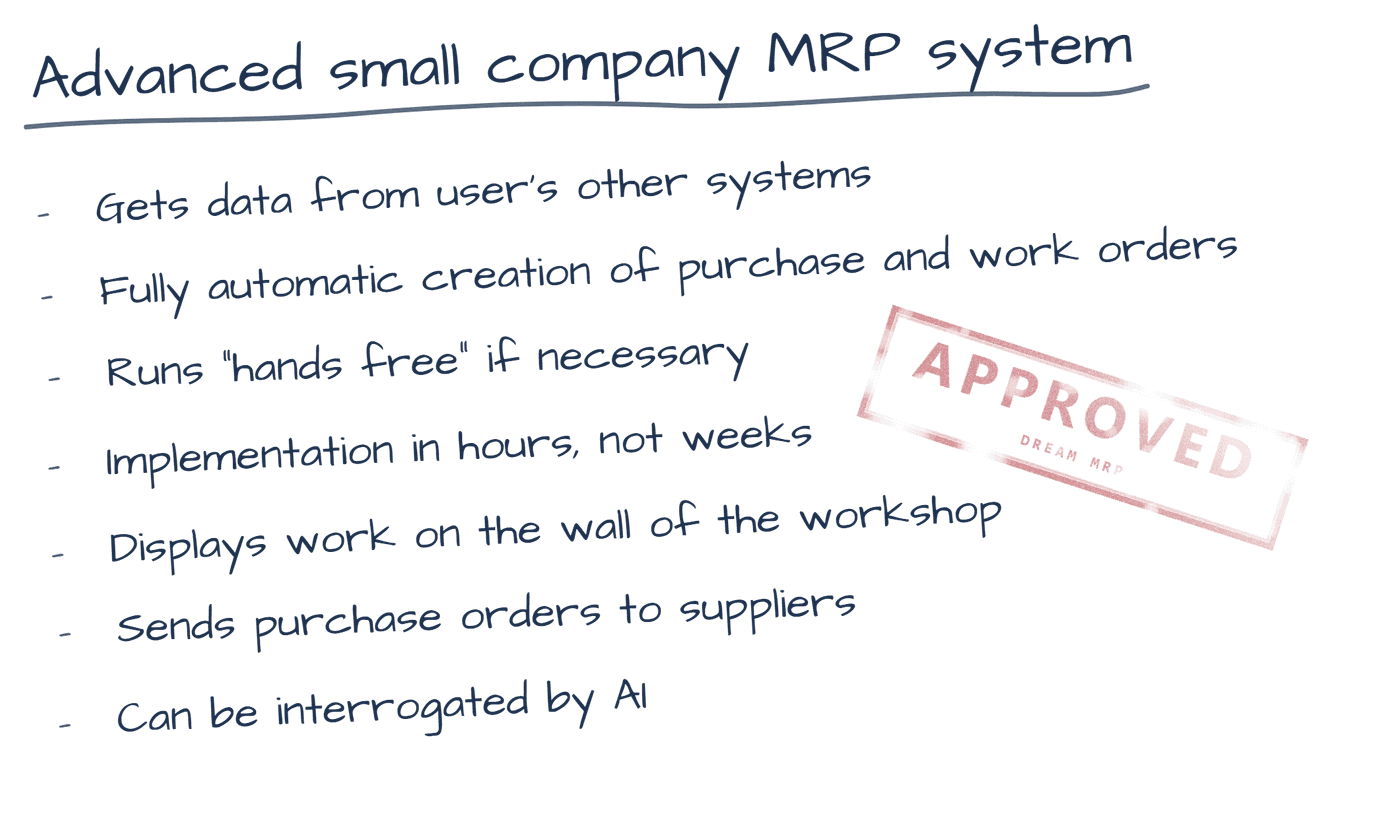
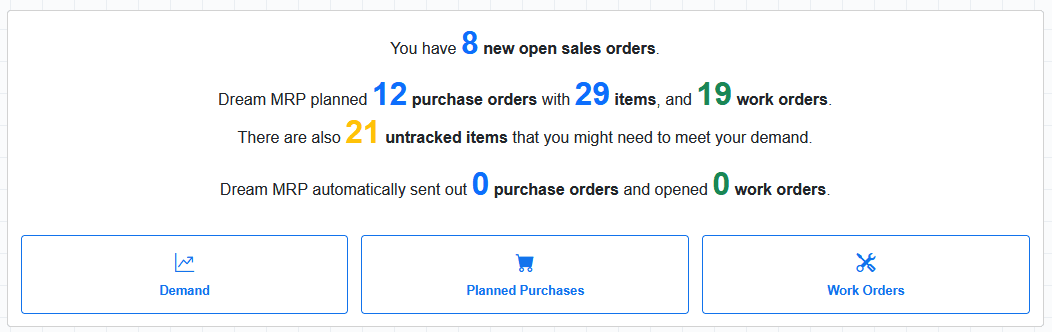
Connect your Xero account in minutes. Dream MRP reads your live inventory, sales orders, and supplier data — then plans and posts your purchase orders automatically.
Dream MRP uses Xero's official API to read your data and write purchase orders back. Your Xero organisation stays the single source of truth — Dream MRP adds the planning layer on top.
Both tracked and untracked inventory items are synced. Dream MRP knows exactly what you have on hand.
Open sales orders drive the MRP calculation. New orders appear in Dream MRP within minutes of being raised in Xero.
Your Xero contacts become the supplier list in Dream MRP. Preferred suppliers flow through to your planned purchase orders.
Planned purchase orders are posted back into Xero automatically — correctly dated, correctly assigned to suppliers.
When you complete a work order in Dream MRP, stock adjustments for tracked items are written back to Xero automatically. Finished goods appear in your Xero inventory without any manual entry.
Work order completion triggers stock adjustments for tracked items — components are consumed, finished goods are added. Your Xero inventory stays accurate with no manual entry required.
| Data type | Read | Write |
|---|---|---|
| Inventory items | ✓ | — |
| Sales orders | ✓ | — |
| Contacts / suppliers | ✓ | — |
| Purchase orders | ✓ | ✓ |
| Stock adjustments | — | ✓ |
| Purchase history | ✓ | — |
Dream MRP includes a No Risk Read-Only mode. Connect your Xero account, run the full MRP calculation, and see exactly what purchase orders would be created — before Dream MRP posts a single thing to Xero. When you're satisfied with the results, switch to live mode with one click.
The connection uses Xero's official OAuth 2.0 API. Dream MRP only requests the minimum permissions required. You can revoke access at any time from your Xero account settings.
14-day free trial · No credit card · Full Premium features
Sign up with Xero Read the setup guide →